Creating an ergonomic office is no longer a luxury—it’s a necessity for anyone looking to enhance productivity and maintain health. Whether you’re working from home or in a corporate environment, these 7 ergonomic must-haves for a comfortable office setup can make a significant difference. These essentials will not only prevent common workplace injuries like back pain or eye strain but also boost your overall efficiency.
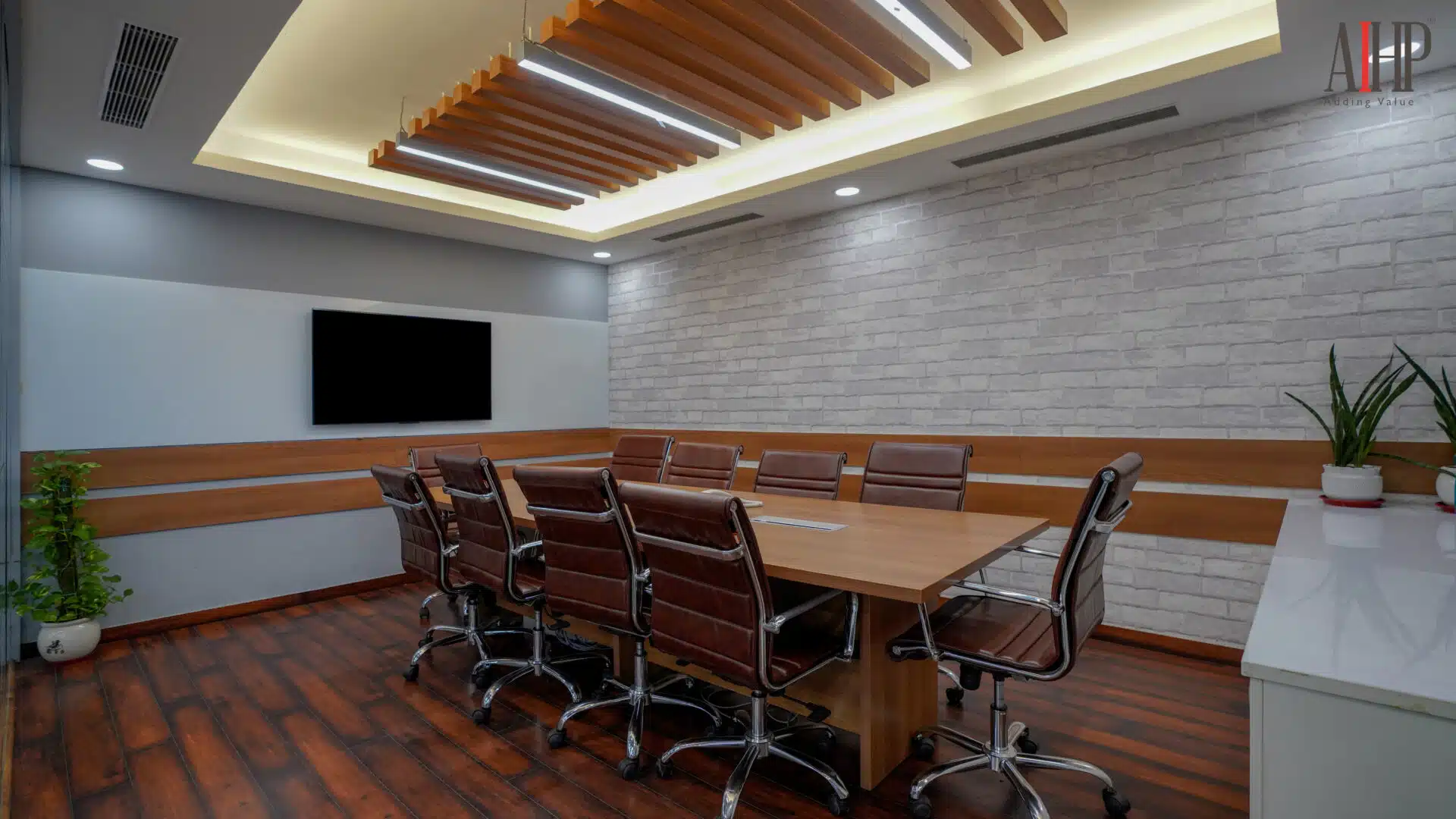
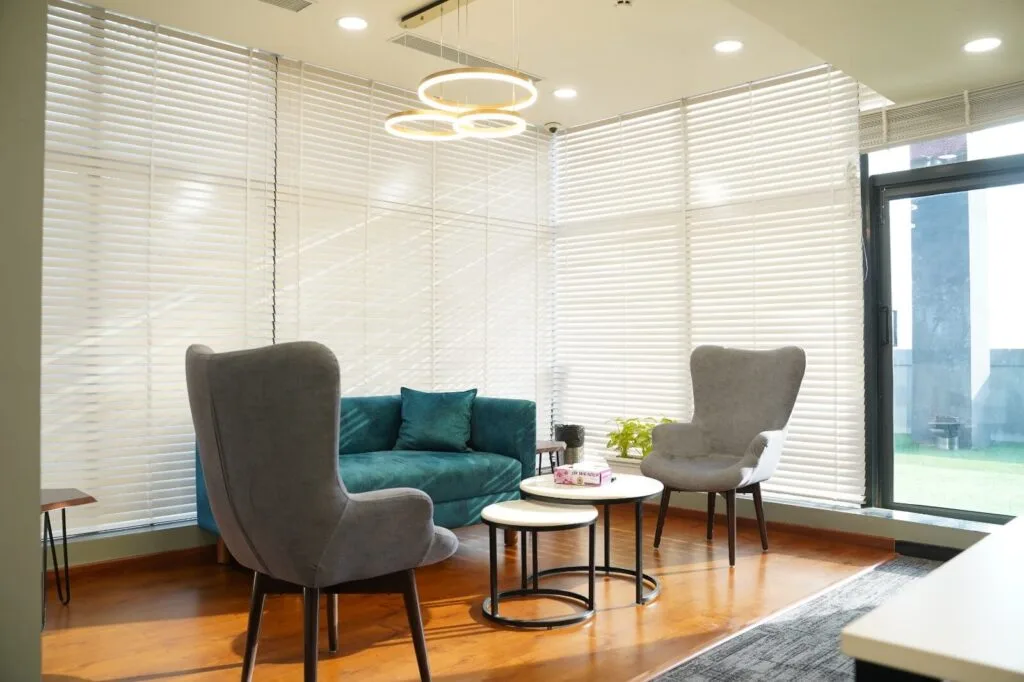
Modern workspaces, like those offered at AIHP Palms and AIHP Millennium, showcase how ergonomic designs can seamlessly blend with functionality and aesthetics. Let’s explore these must-have ergonomic tools and how they can transform your workspace into a haven of comfort and productivity.
Why Ergonomics Matter in Your Office Setup
Ergonomics focuses on designing tools and environments to fit human needs, reducing discomfort and injury risks. An ergonomic setup:
-
- Promotes better posture
-
- Reduces muscle strain and fatigue
-
- Enhances focus and productivity
Spaces like AIHP Horizon are thoughtfully designed to incorporate ergonomic principles, ensuring that every occupant experiences a balance of comfort and efficiency.
The 7 Ergonomic Must-Haves for a Comfortable Office Setup
1. Adjustable Ergonomic Chair
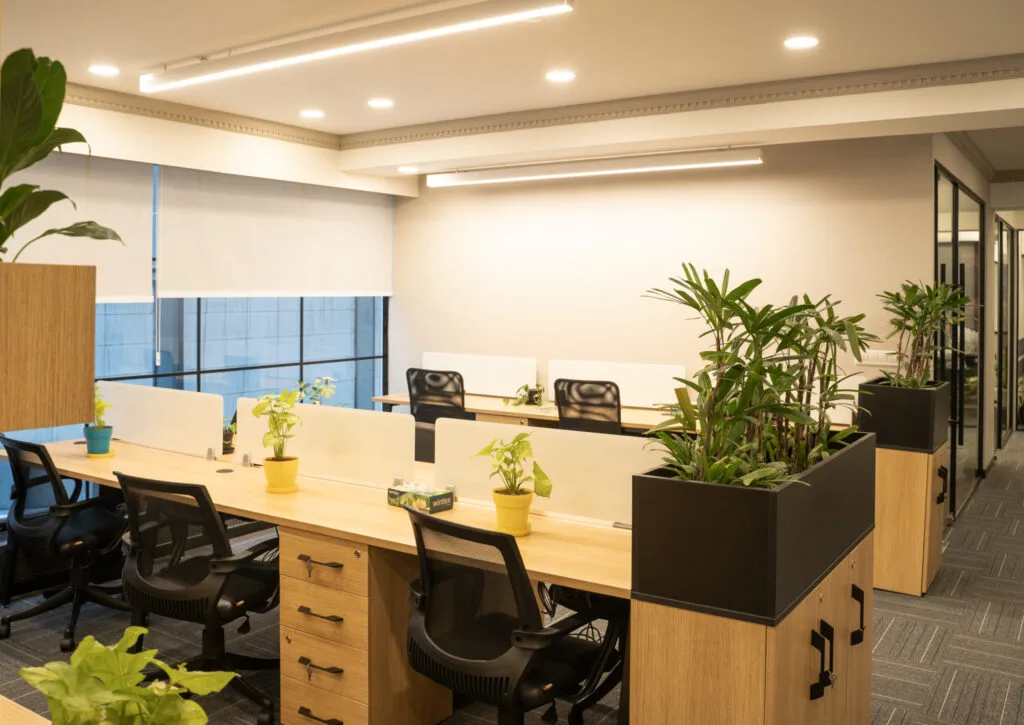
A supportive chair is foundational for any ergonomic office. Features like adjustable height, lumbar support, and armrests can prevent back pain and promote proper posture.
What to look for:
-
- Adjustable seat height and tilt
-
- Lumbar support for your lower back
-
- Swivel base for flexibility
Tip: Set your chair so your feet rest flat on the floor and your knees are at a 90-degree angle.
2. Ergonomic Desk
An ergonomic desk complements your chair by maintaining a natural posture for your arms and wrists. Standing desks are gaining popularity, offering flexibility between sitting and standing.
Benefits:
-
- Prevents hunching over your workspace
-
- Encourages movement throughout the day
Highlight: Spaces like AIHP Skyline incorporate ergonomically designed desks in their workspaces, making it easy for professionals to maintain comfort throughout their day.
3. Monitor Stand or Adjustable Arm
Positioning your monitor at eye level prevents neck strain and encourages a neutral spine alignment.
Tips for setup:
-
- The top of your screen should be at eye level.
-
- Maintain a distance of 20-30 inches from your eyes to the screen.
-
- Invest in a monitor stand or an adjustable arm to achieve the ideal position.
4. Ergonomic Keyboard and Mouse
Typing and clicking for hours can lead to wrist strain or carpal tunnel syndrome. An ergonomic keyboard and mouse can alleviate this.
Key features to look for:
-
- Split or curved keyboards to reduce wrist strain
-
- Vertical or trackball mice to support natural hand positioning
Tip: Place them close to your body to avoid overreaching.
5. Anti-Fatigue Mat
If you use a standing desk, an anti-fatigue mat is essential. It reduces pressure on your feet and improves circulation during prolonged standing.
Benefits:
-
- Decreases foot and leg discomfort
-
- Promotes subtle movements for better balance
What to look for: Mats with cushioned surfaces and non-slip backing.
6. Footrest
A footrest is a game-changer for shorter individuals or anyone who wants added leg support.
How it helps:
-
- Keeps your legs at a 90-degree angle
-
- Reduces pressure on your lower back
Tip: An adjustable footrest allows customization to suit your needs.
7. Proper Lighting
Lighting is often overlooked but plays a critical role in reducing eye strain and maintaining productivity.
Suggestions:
-
- Use adjustable desk lamps with warm light settings.
-
- Position lights to minimize screen glare.
Highlight: Workspaces at AIHP Skyline are designed to maximize natural light, ensuring an environment that is both ergonomic and visually appealing.
Additional Tips for a Better Ergonomic Workspace

-
- Take breaks every 30 minutes to stretch and move around.
-
- Incorporate greenery to create a calming environment.
- Personalize your space for maximum comfort.
Conclusion
Transforming your workspace with these 7 ergonomic must-haves for a comfortable office setup can significantly impact your health and productivity. Whether you work from a home office or a well-designed workspace like those at AIHP Millennium or AIHP Horizon, ergonomic tools ensure you work smarter, not harder. Start small, make adjustments, and enjoy the benefits of a space tailored to your comfort and needs. Experience the AIHP Gallery of Modern Spaces
Recommended External Links