 Workspace
31 Dec 2024 · Roshan Gond · 5 min read

Workspace
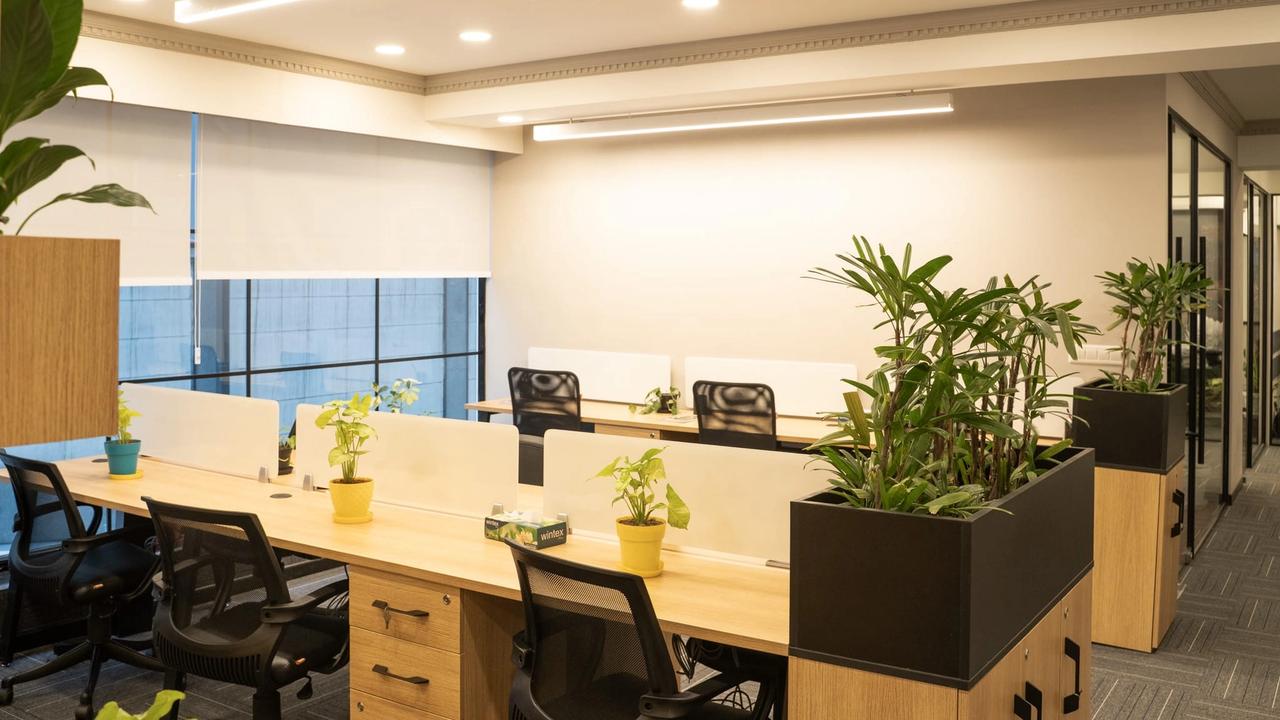
TL;DR
Seven ergonomic must-haves — from an adjustable chair and desk to monitor stands, ergonomic keyboards and anti-fatigue mats — reduce posture strain and boost productivity. Key setup rules: feet flat, knees at 90 degrees, screen 20–30 inches from your eyes.

This post lists seven ergonomic essentials for a comfortable office setup, plus a few extra tips. The aim is to help prevent common problems such as back pain and eye strain, at home or in a corporate office.
Managed offices such as AIHP Palms and AIHP Millennium build ergonomics into the fit-out, but the same principles apply to any desk. Here are the seven items worth getting right.
Ergonomics focuses on designing tools and environments to fit human needs, reducing discomfort and injury risks. An ergonomic setup:
Spaces like AIHP Horizon are thoughtfully designed to incorporate ergonomic principles, ensuring that every occupant experiences a balance of comfort and efficiency.

A supportive chair is foundational for any ergonomic office. Features like adjustable height, lumbar support, and armrests can prevent back pain and promote proper posture.
What to look for:
Tip: Set your chair so your feet rest flat on the floor and your knees are at a 90-degree angle.
An ergonomic desk complements your chair by maintaining a natural posture for your arms and wrists. Standing desks are gaining popularity, offering flexibility between sitting and standing.
Benefits:
Highlight: Spaces like AIHP Skyline incorporate ergonomically designed desks in their workspaces, making it easy for professionals to maintain comfort throughout their day.
Positioning your monitor at eye level prevents neck strain and encourages a neutral spine alignment.
Tips for setup:
Typing and clicking for hours can lead to wrist strain or carpal tunnel syndrome. An ergonomic keyboard and mouse can alleviate this.
Key features to look for:
Tip: Place them close to your body to avoid overreaching.
If you use a standing desk, an anti-fatigue mat is essential. It reduces pressure on your feet and improves circulation during prolonged standing.
Benefits:
What to look for: Mats with cushioned surfaces and non-slip backing.
A footrest is a game-changer for shorter individuals or anyone who wants added leg support.
How it helps:
Tip: An adjustable footrest allows customization to suit your needs.
Lighting is often overlooked but plays a critical role in reducing eye strain and maintaining productivity.
Suggestions:
Highlight: Workspaces at AIHP Skyline are designed to maximize natural light, ensuring an environment that is both ergonomic and visually appealing.

Conclusion

You do not need to buy all seven at once. Start with the chair and the screen height, since you live with both all day, then add the rest as you notice what still hurts. Workspaces such as AIHP Millennium and AIHP Horizon come set up with these basics; you can see them in the AIHP Gallery of Modern Spaces.
Workspace31 Dec 2024 · Roshan Gond · 5 min read
 Workspace
26 Dec 2024 · Roshan Gond · 6 min read
 Workspace
19 Dec 2024 · Roshan Gond · 6 min read
Ready to move your team?
Managed private offices across Gurgaon, fully serviced and sized for your team.